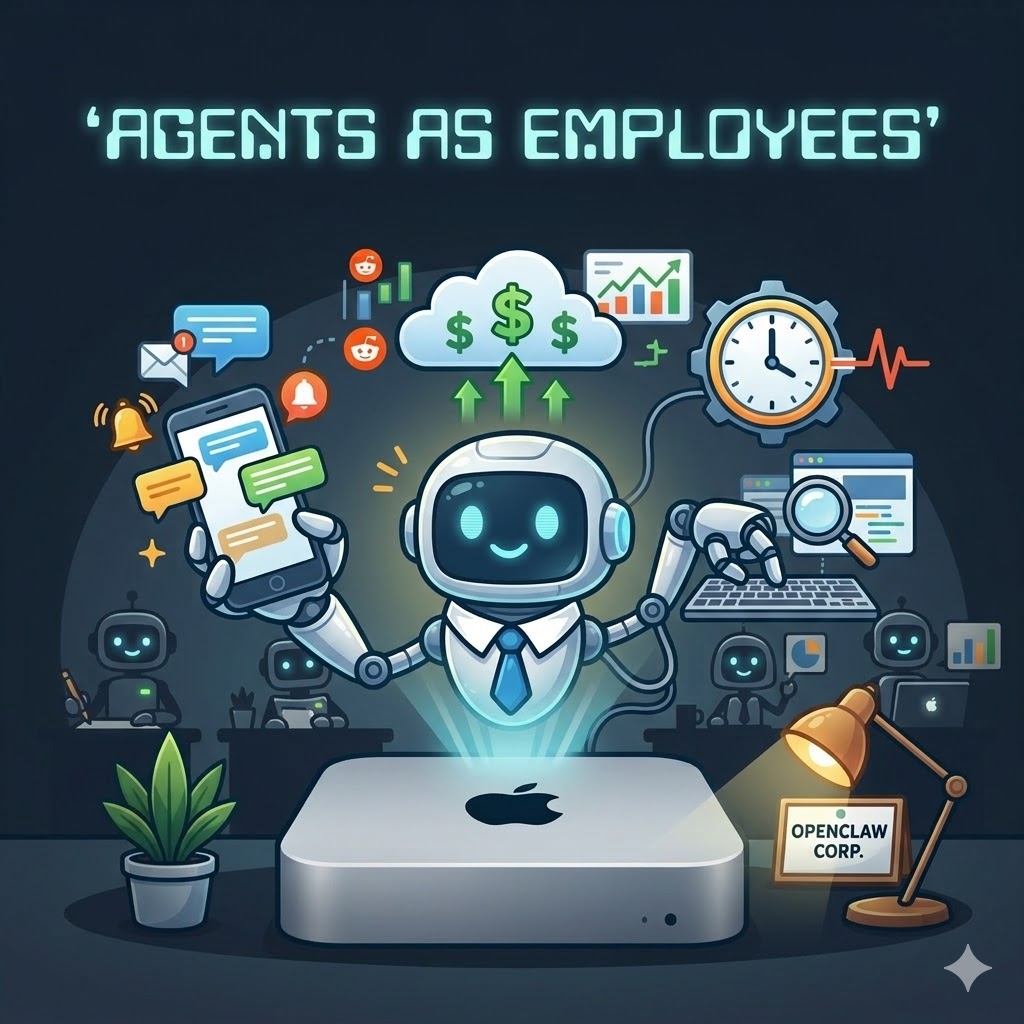
A few weeks ago, I picked up a Mac mini for a very specific reason: I wanted a box I could leave running, close enough to “infrastructure” to be dependable, but still personal enough to feel like mine. That machine ended up becoming the home for OpenClaw, and OpenClaw has ended up being one of the more interesting shifts in how I think about local AI agents.
Not because it’s perfect. It absolutely isn’t.
But because it changes the shape of the interaction.
The big shift: this feels proactive
A lot of earlier agent setups felt like dressed-up command execution. You ask, it answers. You instruct, it acts. Useful, certainly, but still mostly reactive.
OpenClaw pushes past that in a way that matters.
The biggest difference, for me, is the combination of proactive crons and heartbeats. That sounds like implementation detail. It isn’t. It changes the mental model.
Instead of treating an agent like a chatbot with shell access, you start treating it more like a worker with responsibilities:
- check on things periodically
- remind me when something needs attention
- continue watching after I’ve stopped actively looking
- surface issues instead of waiting to be interrogated
That may not sound revolutionary on paper, but in practice it’s a surprisingly meaningful step forward. Most “agent” systems still behave like interns waiting for the next Slack message. OpenClaw can behave more like an employee who knows part of the job is to keep watch and speak up.
That is a very different feeling.
The other big shift: you can text it like a person
The most surprising part of OpenClaw isn’t the tools. It’s the modality.
You can effectively text an employee.
That sounds glib, but I mean it quite literally. Once the system is wired into messaging, interaction stops feeling like “opening an AI product” and starts feeling like delegating to a digital member of staff. You send a message. It does work. It follows up. It can be reached where you already are.
That is a bigger leap than most benchmarks or model comparisons capture.
The improvement is not just in intelligence. It’s in interface. The interface is social and ambient rather than explicit and app-centric. That lowers the activation energy dramatically. You don’t need to “go use the agent.” You just message it.
It turns out that matters.
A lot.
My favourite part: the agents
One of the most enjoyable aspects of OpenClaw is the agent model itself. You can create agents with distinct roles, workspaces, and responsibilities. Instead of one giant assistant trying to be everything, you get a small cast of specialists.
That’s where the system starts to become genuinely compelling.
The trader agent
I created several agent types, writer, coder, designer - but the standout for me is definately the trader agent. I configured the trading agent to monitor r/wallstreetbets and other more traditional fundamental sources for market sentiment and pro-actively send me trade suggestions. I even went as far as giving it access to (a small amount of) real money via the Trading 212 app (and judicial use of curl in a custom skill).
There’s something especially satisfying about having a dedicated agent focused on a narrow domain like trading: one job, one context, one set of tools, one personality if you want it. That separation reduces clutter and makes the whole interaction cleaner. I’m not mixing writing prompts, infrastructure tasks, and market questions into the same conversational soup.
A dedicated trader agent feels closer to how real delegation works:
- it has a clear remit
- it can maintain relevant context
- it can act on a schedule
- it can report back in a channel I already use
That is much more natural than repeatedly re-establishing context with a general-purpose model.
It also highlights one of OpenClaw’s strengths: it’s not merely an AI wrapper. It’s a framework for assembling small operational personas that can actually do things. That’s a much more useful idea than yet another chatbot tab.
Why the Mac mini mattered
The Mac mini deserves a mention because it changed the reliability story.
Running this on a dedicated always-on machine makes the whole setup feel far more legitimate. Agents that rely on your laptop being awake, your terminal still open, and your attention not drifting are not really agents.
The Mac mini turns OpenClaw into something closer to a service. Quiet, persistent, available. The sort of machine that can sit in the corner and get on with its life while helping with yours. Not so much a server but a “workstation” for your digital employees.
That persistence is what makes the cron and heartbeat model shine. Without an always-on host, proactivity is theatre. With one, it becomes useful.
Where OpenClaw falls short
Now for the less flattering bit.
OpenClaw is promising, but it is not polished in the ways that would make it easy to recommend to a less determined user.
1. Configuration is still harder than it should be
The biggest issue is operational ergonomics.
There isn’t a strong admin UI yet, and that matters. The Gateway UI exists, but in its current state it feels lacking. For something with this many moving parts — agents, channels, tools, cron jobs, permissions, runtime behaviour — a weak control plane creates friction everywhere.
You can absolutely make it work. I did. But “possible” and “pleasant” are not the same thing.
At the moment, OpenClaw still expects a fairly high tolerance for config-driven setup. That’s fine for tinkerers. It’s less fine for everyone else.
2. The codebase feels bloated
There is a lot here. There is a bit of a kitchen sink issue.
Some of that is inevitable: systems that combine orchestration, messaging, tools, agent runtimes, scheduling, and integrations are not going to be tiny. But even allowing for that, the codebase feels more bloated than I’d like.
That has consequences:
- it’s harder to build a clean mental model
- harder to modify confidently
- harder to identify where behaviour actually lives
- harder to onboard contributors who weren’t there at the beginning
A system about delegation should ideally be simpler to reason about than the work it helps you avoid. OpenClaw isn’t always there yet.
3. No native MCP support
Another gap is the lack of native MCP support — and no, I’m not counting the mcporter skill as the same thing.
That distinction matters.
A skill that helps bridge into MCP is useful, but it is not equivalent to MCP being a first-class primitive in the platform itself. Native support would make the ecosystem story cleaner, more composable, and easier to explain. Right now it feels adjacent rather than foundational.
For a platform that clearly wants to be the operating environment for capable agents, that absence stands out.
So where do I land?
Despite the complaints, I’m bullish on OpenClaw.
Not because it is finished. Quite the opposite. It’s rough in several important places. But it is rough in the way interesting systems often are: messy around the edges because it is trying to do something structurally different.
And I think it is.
The most important thing OpenClaw gets right is that it treats agents less like one-shot prompt endpoints and more like persistent, reachable, role-based workers. The proactive crons and heartbeat model push in that direction. The messaging-first interaction pushes in that direction. The separate agents push in that direction.
That combination makes the system feel less like software you operate and more like staff you manage.
That is a bigger step forward than I expected.
And once you’ve experienced that shift, it becomes harder to get excited about yet another polished chat box with a tools demo bolted to the side.